
Wix SEO course
You built it. Now get it found.
Eight short lessons for the Wix site you built yourself. Each one ends with a change you make on your own site, no agency. About an hour of work if someone shows you where to click.
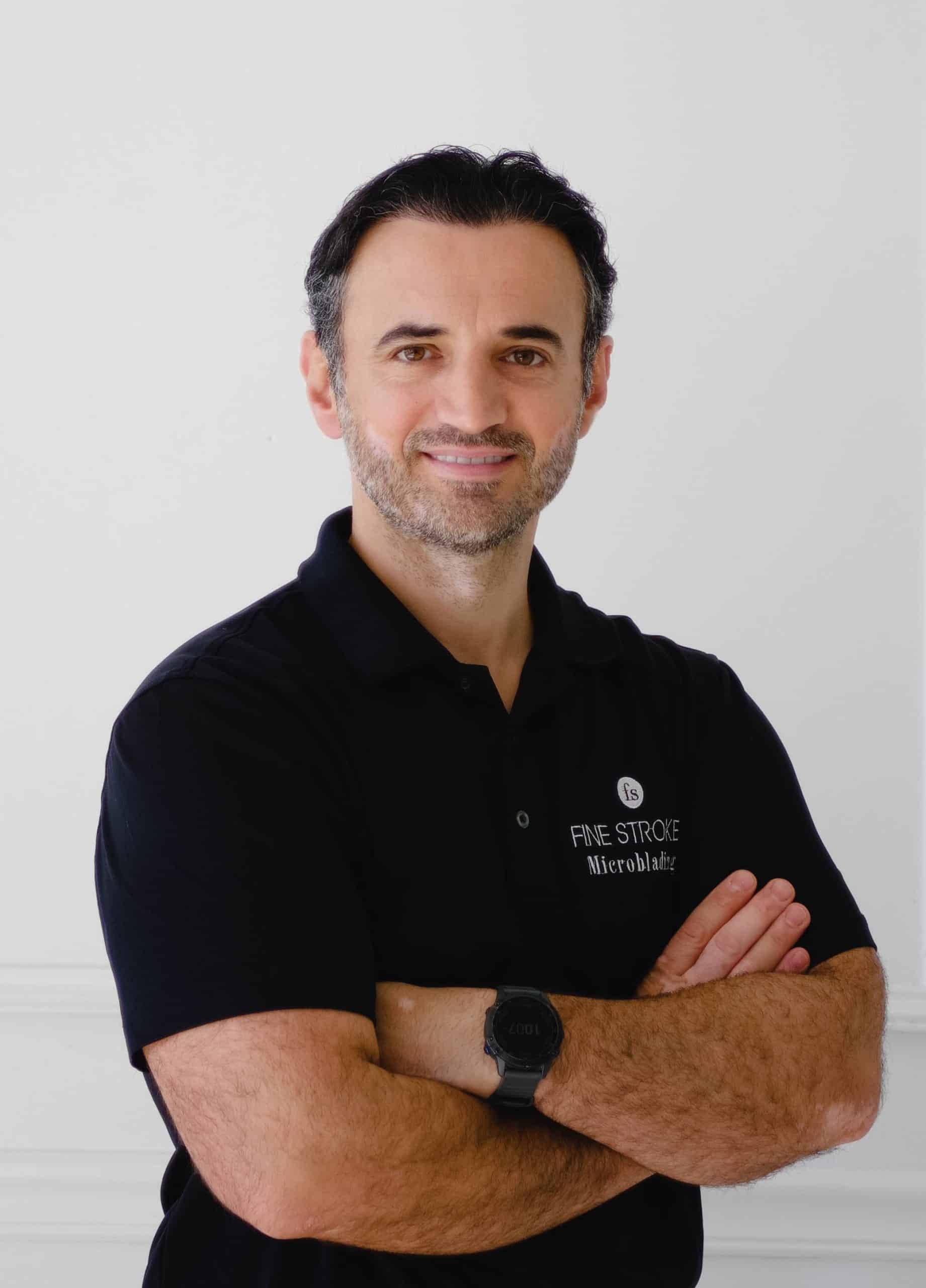
Ervin Kalaj | Birmingham, MI
Wix does the plumbing. The rest is on you.
Wix already handles a lot of the technical stuff. It builds your sitemap, it compresses your images, it adds a redirect when you rename most pages. What it can't do is decide what each page is about, write the title Google shows, or connect your site to Google Search Console.
Here's what a brand new Wix site looked like when I set one up for this course: every page title defaulted to the page name and the site name, like "Home | Maria", the meta descriptions were empty, and indexing for the whole site was switched off. Wix's own SEO panel still marked the title task as done.
Six things, done on your own site.
Your 5 to 10 keywords, picked with free tools (including the Semrush searches built into Wix).
The title and description on every page that matters, and the default pattern Wix fills in when you don't.
One real H1 per page, and alt text on your images.
Speed and mobile, using Wix's own Site Speed report.
Google Search Console, connected and actually submitted.
One service page built to rank, and a 30-minute monthly routine.
The workbook comes with it: keyword sheet, page by page title planner, heading and alt text checklist, Search Console setup list, service page template and a monthly tracker.
Eight short lessons.
How Google finds your Wix site
Free preview. Your sitemap, indexing, and the setting that keeps a new site hidden from Google.
Pick your 5 to 10 keywords with free tools
Including the 10 free Semrush searches a day built into Wix.
Titles, descriptions and URLs
Wix's own guidance: titles under 60 characters, descriptions 50 to 160.
Headings, page text and alt text
One H1 per page, used for the page title and nothing else, and alt text on your images.
Speed and mobile
Wix compresses your images but doesn't resize them, so you resize before you upload.
Connect Google Search Console
Connected, and your sitemap submitted. This one needs a Premium plan and your own domain.
Service pages and location pages that rank
One service page built from the template in the workbook.
Your 30-minute monthly routine
Clicks, impressions and average position in Search Console, checked once a month.
What I won't tell you.
That you'll be on page one by Friday. Google itself says a recrawl can take a few days to a few weeks, and asking twice doesn't speed it up. What you get is a site with nothing left undone.
The screenshots come from a brand new Wix site, which in 2026 opens in Wix Harmony. Some tools (connecting to Google, redirects) need a Premium plan and your own domain, and I'll tell you where. Everything was checked against Wix and Google help pages on September 29, 2026.
About an hour, and your site's set up right.
Watch lesson 1 free on the course page first if you want. Checkout is through Stripe, and you set a password after paying so you can come back any time.
About the course.
For some of it. Connecting to Google Search Console and setting up redirects need a Premium plan and your own domain. The lessons tell you where.
The screenshots come from a brand new site, and in 2026 a new site made from the Wix dashboard opens in Wix Harmony. If you built yours in the Wix Editor or Wix Studio, the jobs are the same, but some buttons sit in different places than the screenshots show.
I won't guess. Google says a recrawl can take a few days to a few weeks, and asking for it twice doesn't speed it up.
Yes, that's my day job. AlbaTech is a one-person shop in Birmingham, Michigan, so you'd work directly with me. Book a free strategy call and I'll tell you if it's worth paying for.